
By the end of this lesson, you'll be able to:
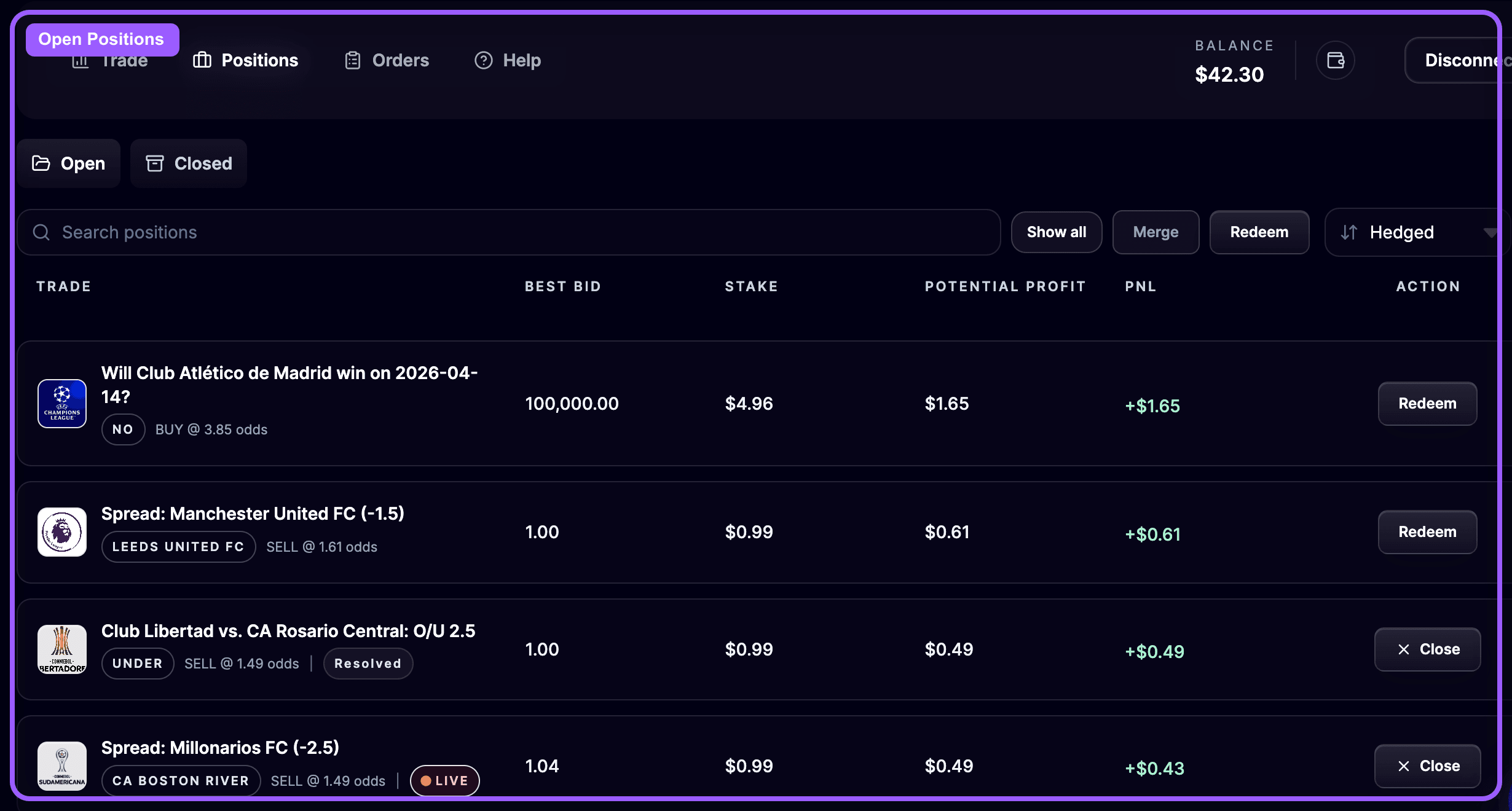
After you submit a trade, the Positions page becomes your control center.
This is where you check:
Open the page from the trading header or go directly to 🔗 Positions.
The Open Positions tab lists trades that are still active.
Each row gives you the key information you need to manage risk:
You can also search and sort positions to focus on the ones that matter most.
OddsFantasy gives you several ways to exit or clean up an active trade.
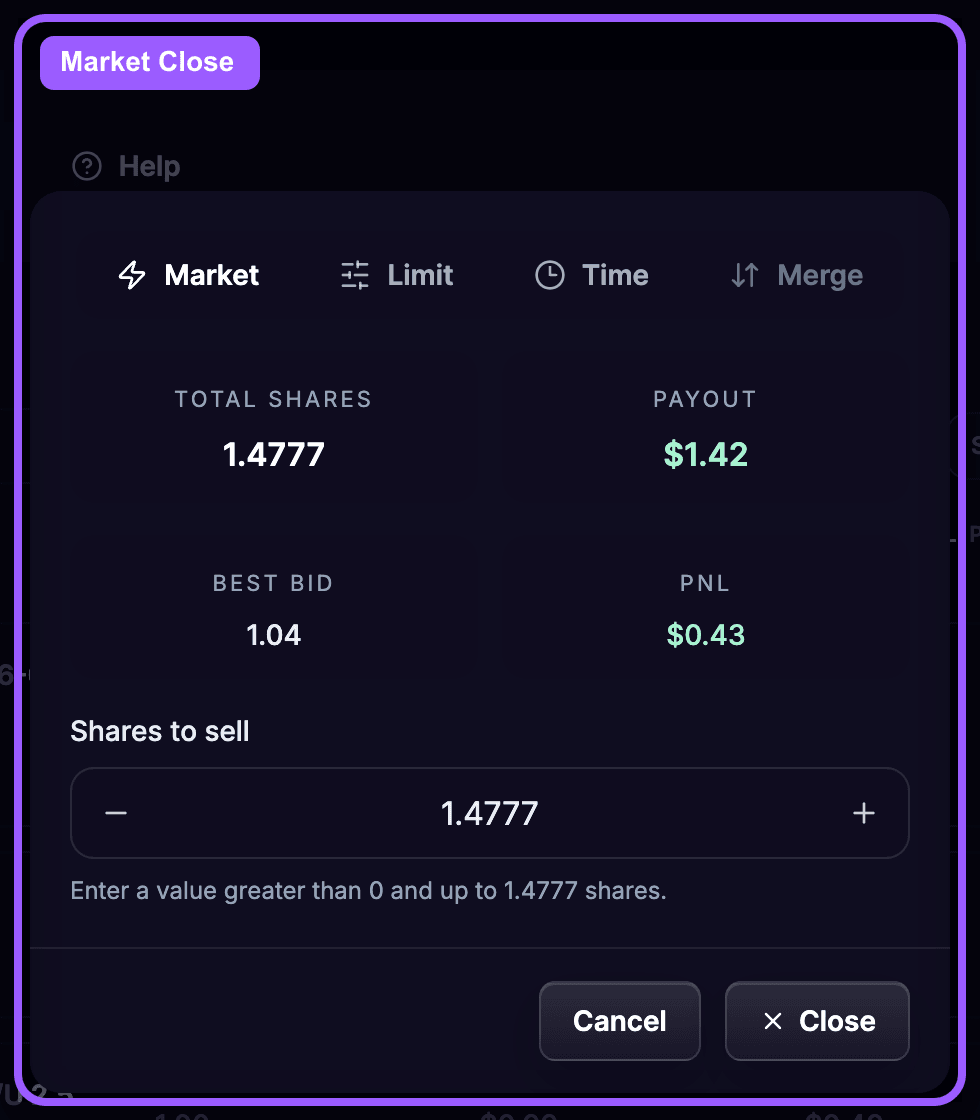
Use Market close when you want to exit immediately at the current market price.
This is the quickest option when:
Before confirmation, OddsFantasy calculates the expected payout and resulting PnL.
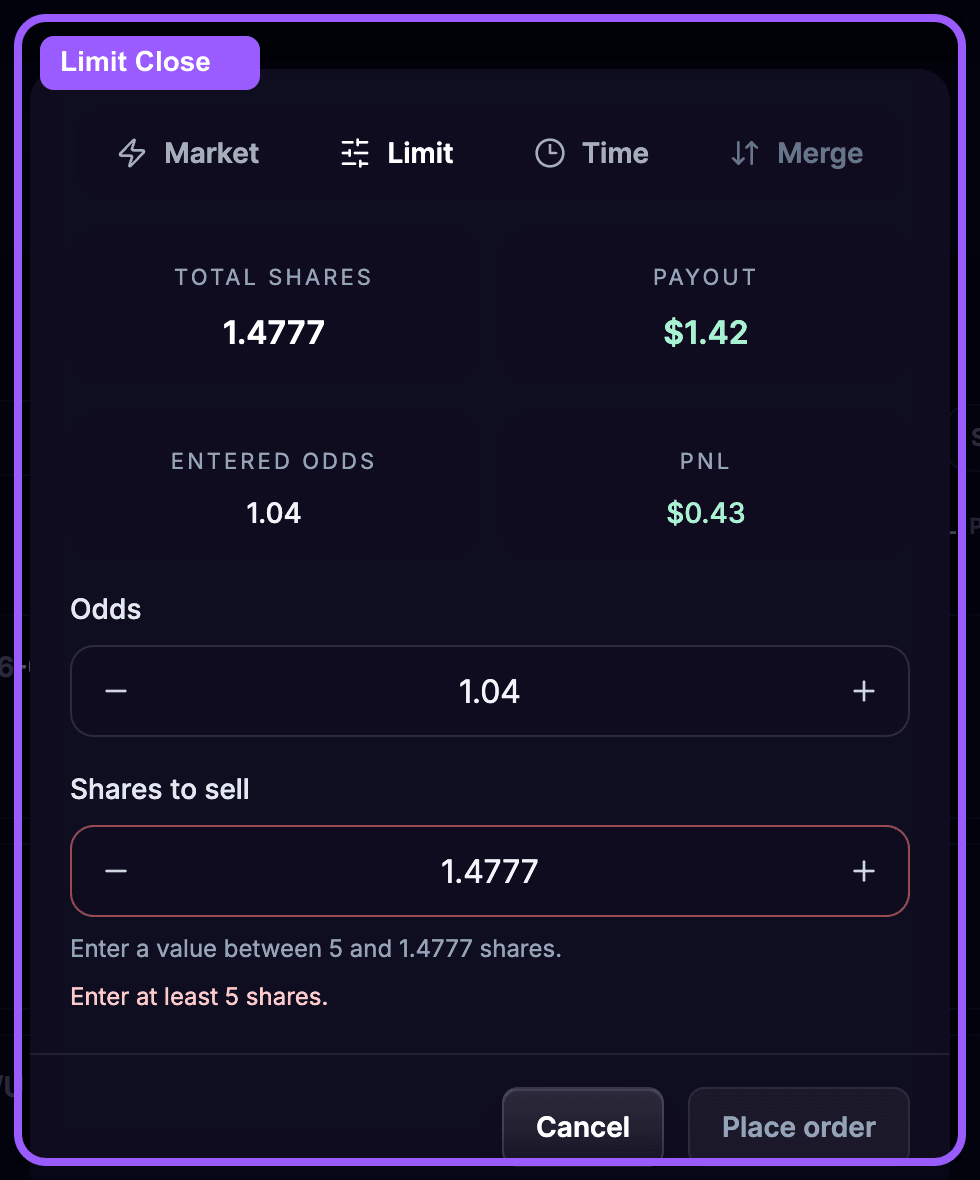
Use Limit close when you only want to exit if the market reaches your chosen odds.
This is useful when:
OddsFantasy shows the expected payout and PnL for the closing price you enter.
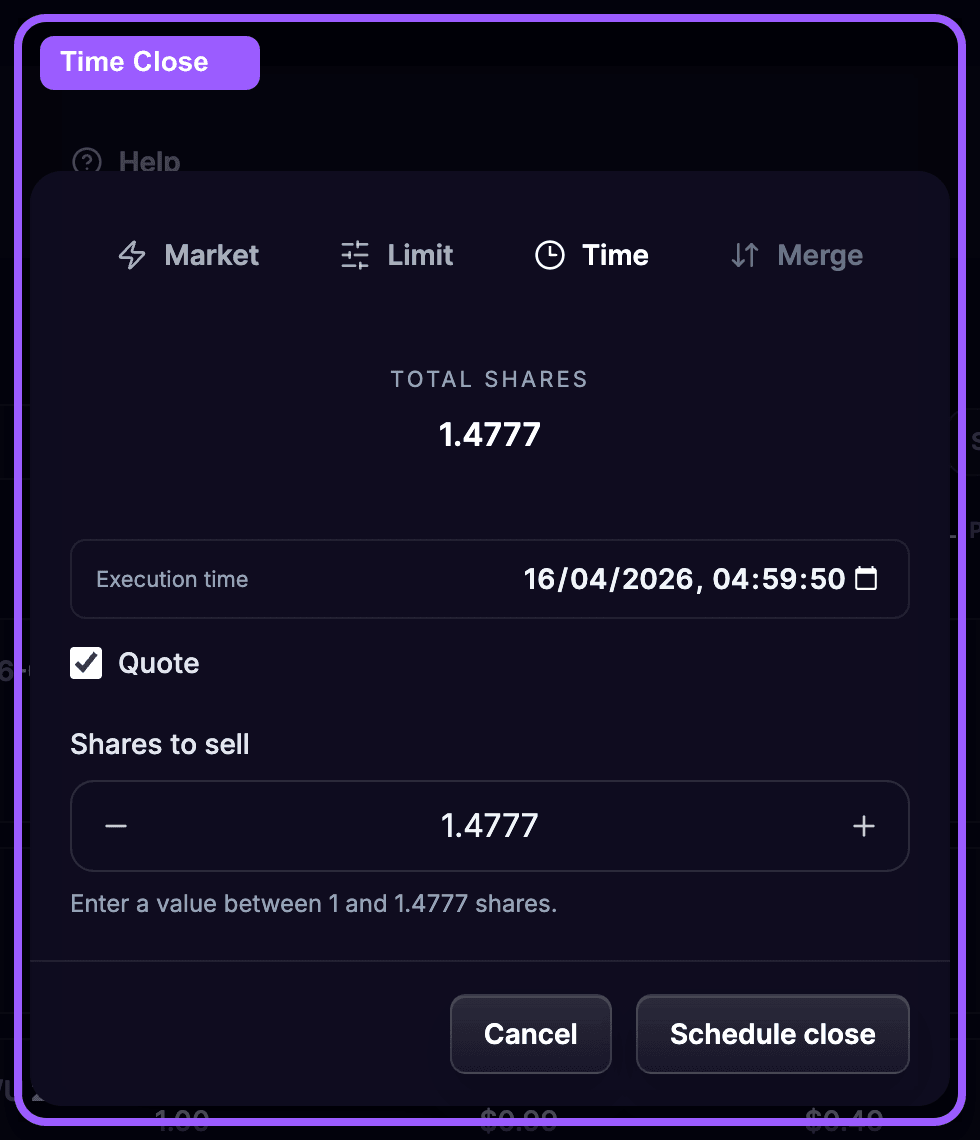
Use Time close when you want the position to close at a scheduled time.
This is useful when:
Use Merge when you hold opposite positions on the same market and want to lock in the spread profit.
This is especially useful after both sides of a Quote setup have filled.
Once a market has resolved and a payout is available, you can redeem the settled position from the same page.
OddsFantasy uses color indicators to help you read hedge status quickly:
When you close an unhedged position, OddsFantasy can pre-fill the exposed share amount so you do not accidentally close profitable hedged shares unnecessarily.
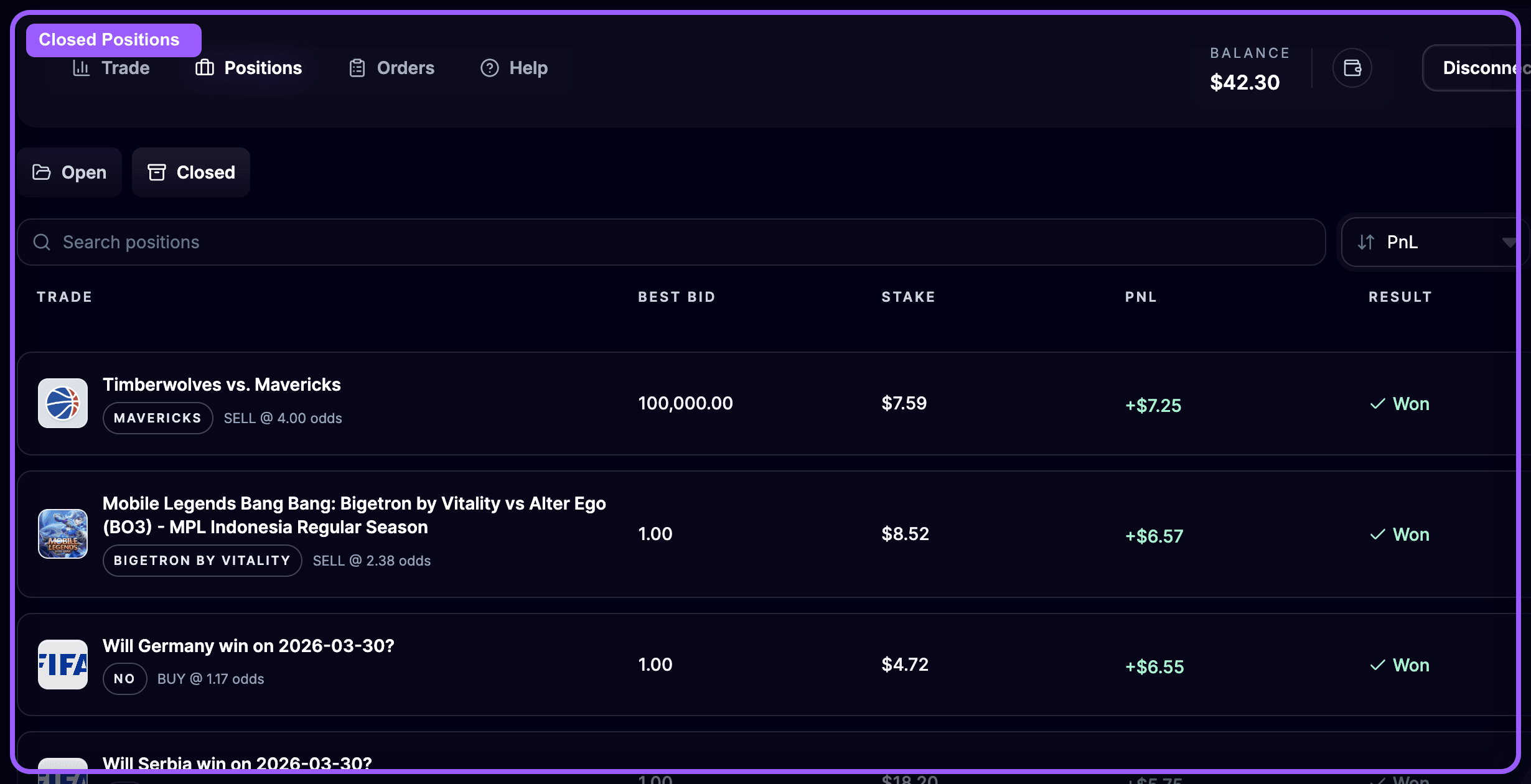
The Closed Positions tab shows trades that have already been closed.
You can use it to review:
This view is useful for reviewing execution quality before you move to broader performance analysis in the tracker.
A simple way to use the Positions page is:
The Positions page is where you:
Not every order turns into a position immediately. In the next lesson, you'll learn how to use the Orders page to manage: