
By the end of this lesson, you'll be able to:
Earlier in this guide, you learned why bet tracking matters. Now it is time to use the actual OddsFantasy tracking workflow.
The Bet Tracker records the bets and trades tied to your activity so you can review performance over time instead of relying on memory.
Open it from the main sidebar or go directly to 🔗 Bet Tracker.
The tracker dashboard is built for performance review.
It gives you a place to study:
It also includes a calendar-based period selector so you can focus on a specific date range.
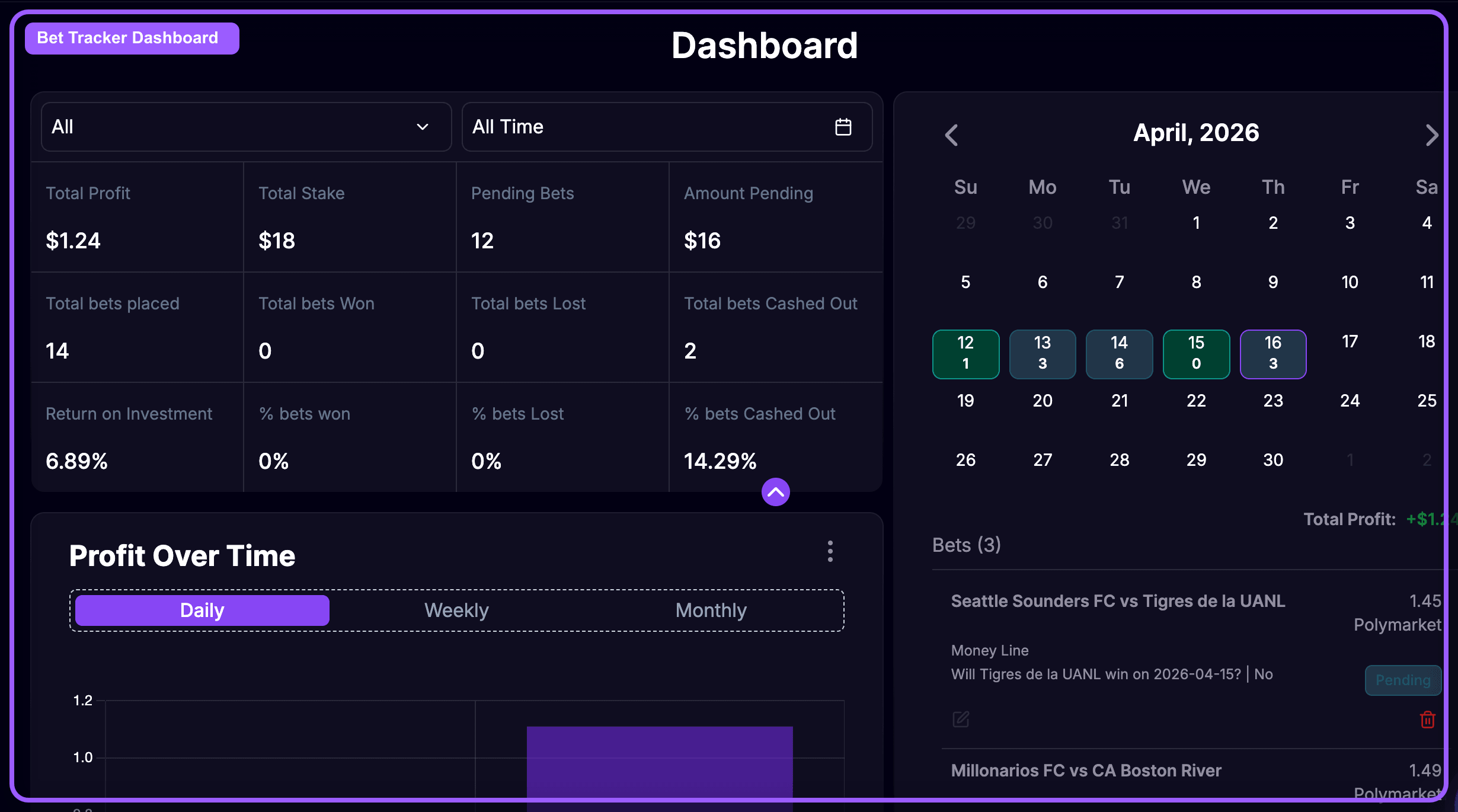
A good workflow is:
Questions the dashboard helps answer:
Without a tracker, it is easy to remember the big wins and forget the slow leaks.
With OddsFantasy Bet Tracker, you can turn your history into something useful:
The Bet Tracker dashboard helps you analyze performance at a higher level. It is where you step back from individual trades and evaluate your system as a whole.
The dashboard gives you the big picture. In the next lesson, you'll use Bet History to inspect the detailed record of individual bets and trades.