
Chapter 7: Sports Trading · Lesson 1
By Cadell Griffith, Software Architect and founder of OddsFantasy · Updated · 5 min read
Sports trading means buying and selling a position on a sports outcome before the event ends, instead of holding a bet until it settles. On OddsFantasy you trade Polymarket's sports markets from a free terminal with market, limit and quote orders, take-profit and stop-loss: a share bought at $0.40 pays $1 if the outcome happens, the same as decimal odds of 2.50.
By the end of this lesson, you'll be able to:
OddsFantasy is not just a bookmaker comparison tool. It also includes a full sports trading workflow where you can:
This chapter walks through that workflow from the first screen all the way to tracking what you placed.
You can reach the trading workspace in two main ways:
This takes you to the main trading page at 🔗 Sports Trading.
The trading page is built around a few core areas.
At the top of the page, you'll see:
If this is your first time trading, connect your wallet first and fund it before submitting orders.

The sports bar lets you switch between available trading categories such as:
Selecting a sport updates the event list in the sidebar.

The left sidebar helps you find tradable events quickly. You can:
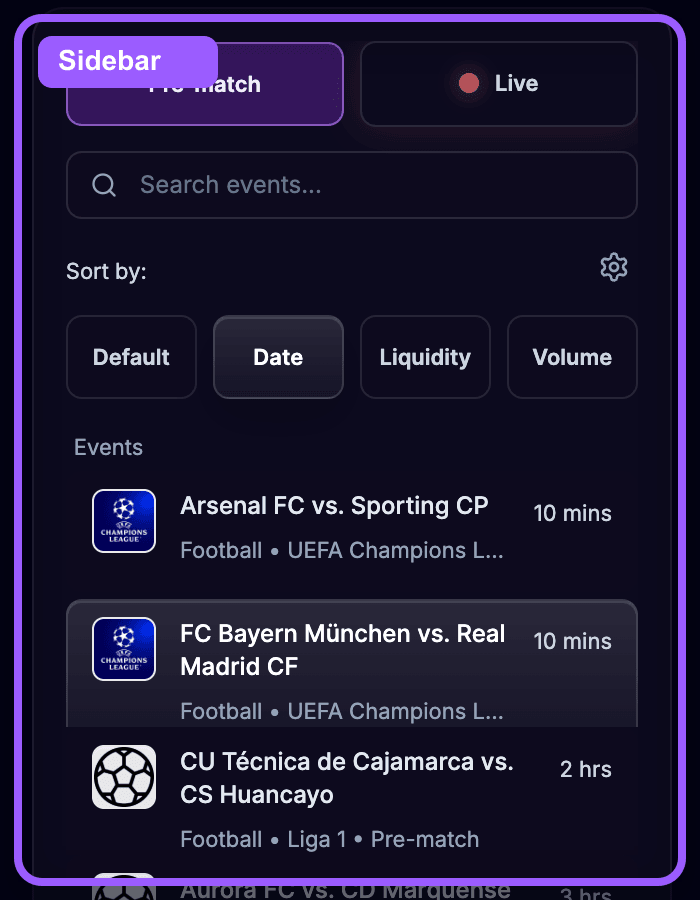
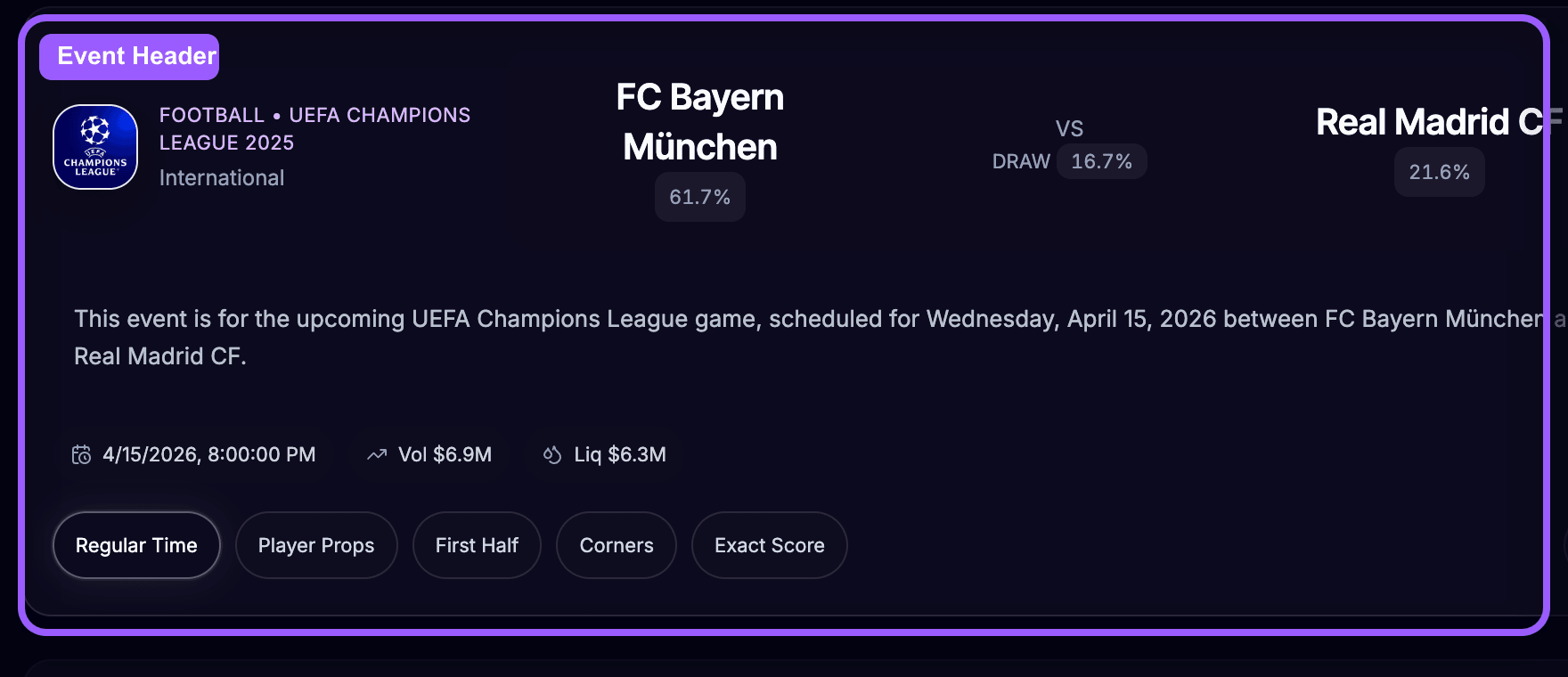
Once you select an event, the center panel loads the event view.
The header gives you the main context for the trade:
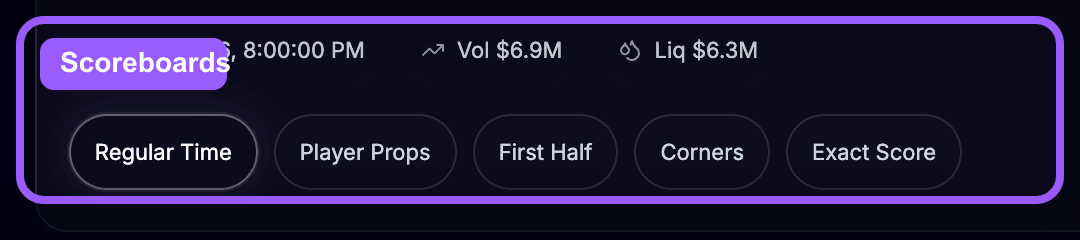
Markets are grouped into scoreboard sections depending on the sport. Common examples include:
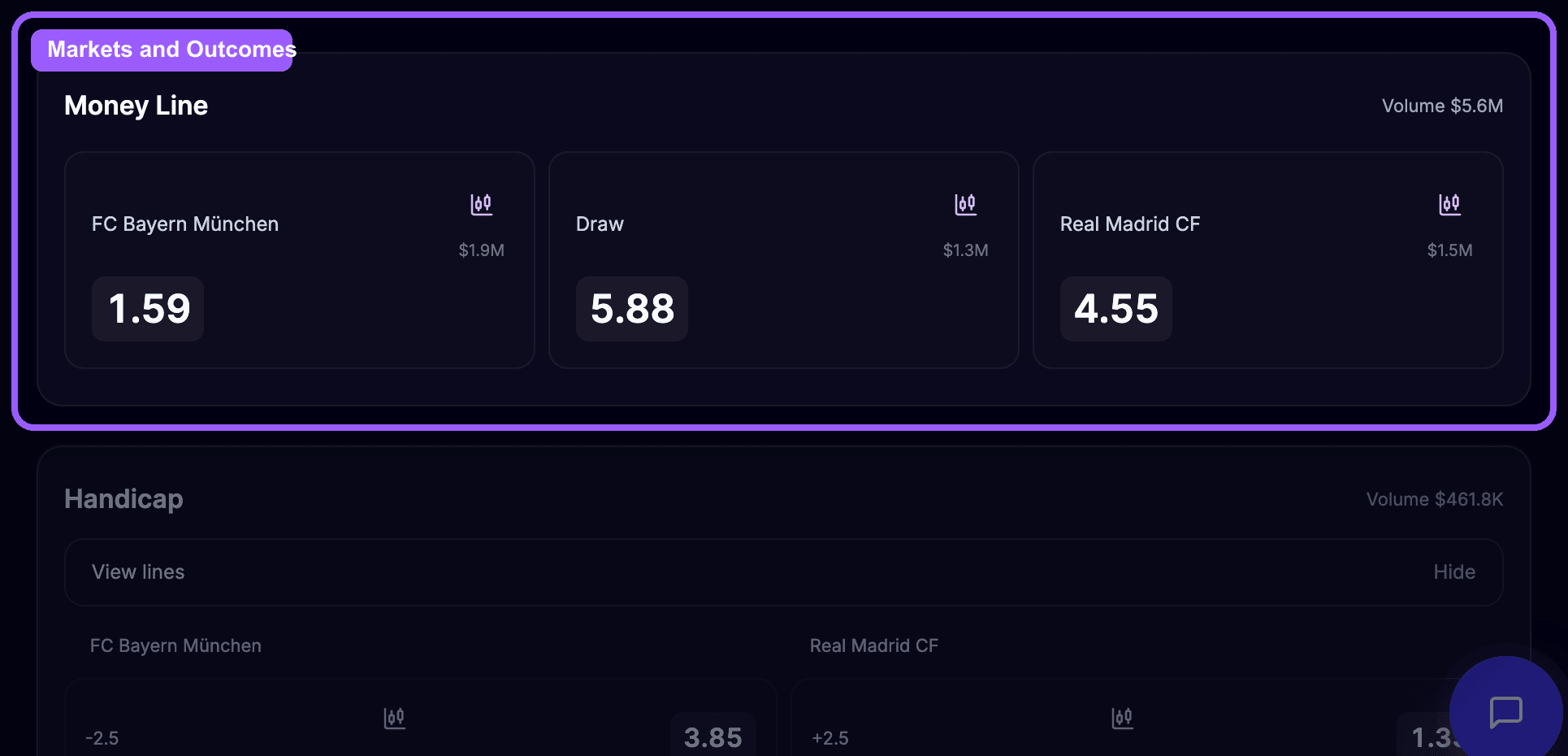
Inside each scoreboard, OddsFantasy lists the available markets, such as:
Each market contains the tradeable outcomes. For example:
When you click the trade button on an outcome, OddsFantasy opens the trade modal.
The trade modal has two working areas: a chart panel and a trade panel.
The chart panel shows:
This is where you read the recent odds movement before placing the trade.
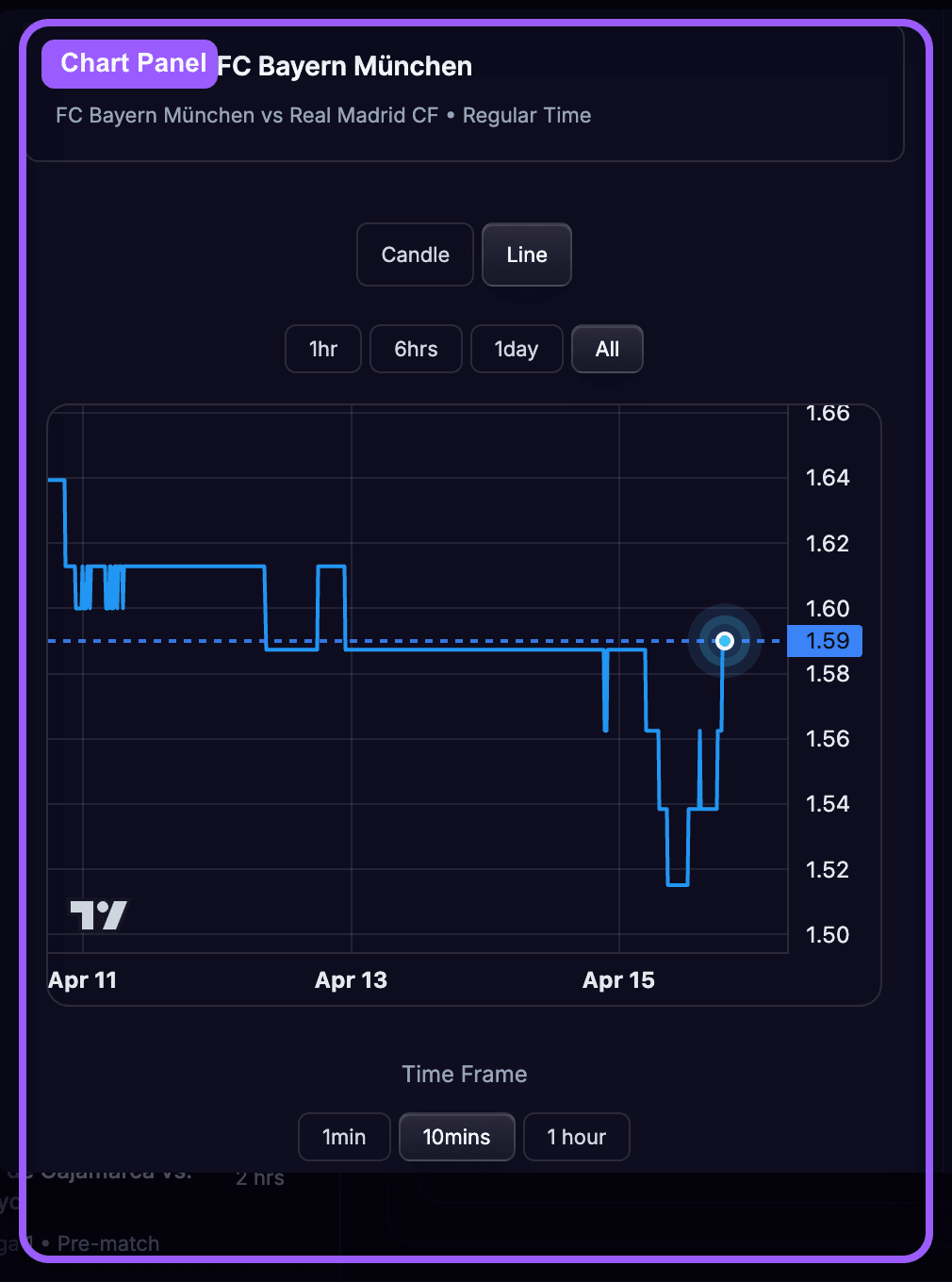
The trade panel shows the live pricing and lets you submit the order.
You will see:
Inside OddsFantasy:
The in-app How to Trade modal uses the same definitions, so keep your focus on the direction of the odds movement when choosing a side.
OddsFantasy supports three main order types inside the trade modal.
Use a Market order when you want to enter immediately at the current market odds.
Typical inputs:
This is the fastest way to enter a trade, but you are accepting the current spread.
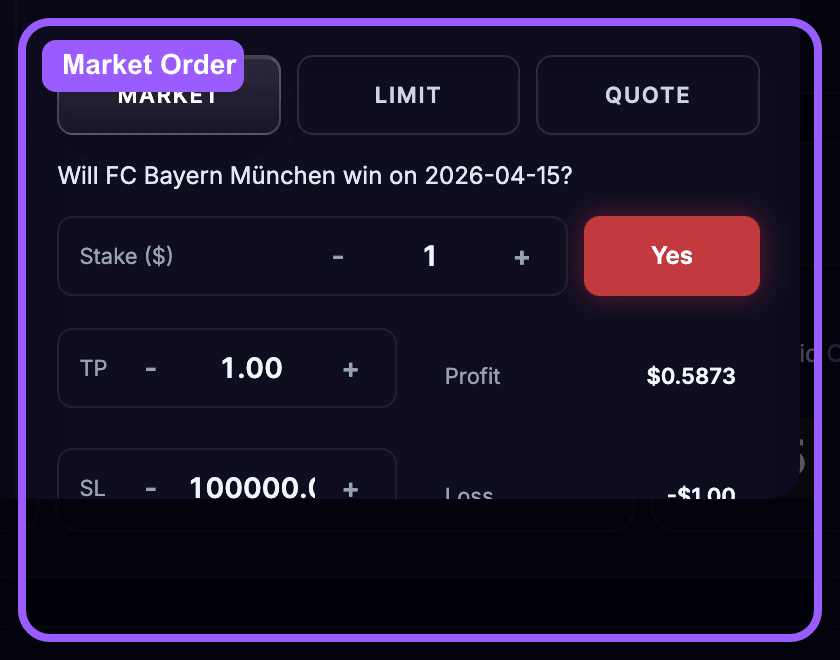
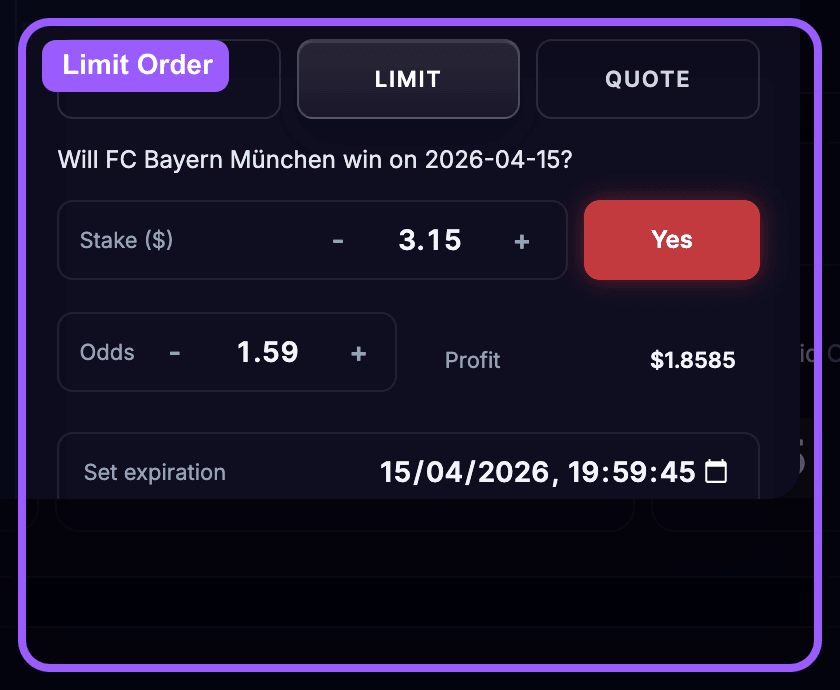
Use a Limit order when you only want to enter at your chosen odds.
Typical inputs:
The order stays open until it is matched, cancelled, or expires.
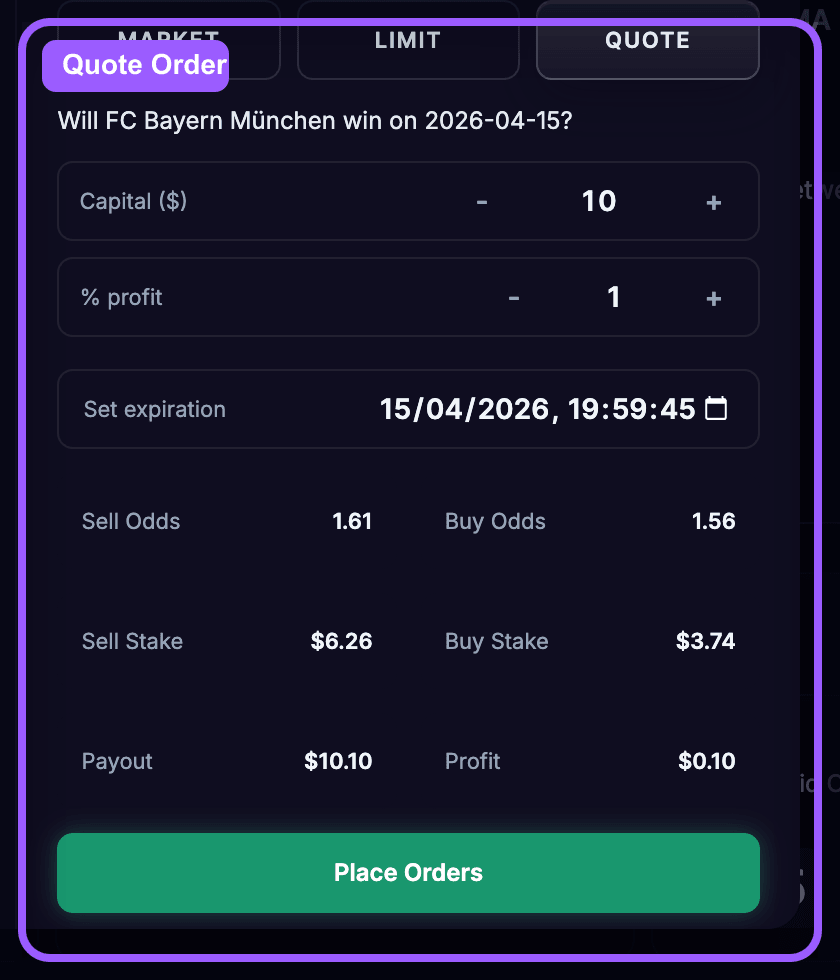
Use Quote when you want to place both sides of the trade and target spread profit.
Typical inputs:
OddsFantasy calculates the quote levels and stake split for you.
Here is the simplest way to use the page:
OddsFantasy's in-app help notes that odds data and liquidity are aggregated from prediction markets. That matters because prices can move quickly, especially on live events and thin markets.
You now know how to:
Once a trade is submitted, your next job is to manage it properly. In the next lesson, you'll learn how to use the Positions page to: