
Chapter 7: Sports Trading · Lesson 3
By Cadell Griffith, Software Architect and founder of OddsFantasy · Updated · 2 min read
The OddsFantasy Orders page lists the instructions that haven't finished yet: limit orders waiting to be matched and time orders scheduled to run later. From it you check how much of an order has filled, move a time order's execution time or cancel orders before the event starts.
By the end of this lesson, you'll be able to:
The Orders page is for instructions that have not finished yet.
That usually means one of two things:
Open it from the trading header or visit 🔗 Orders.
The Limit Orders tab lists active limit orders that are unmatched or only partially filled.
Each order row typically includes:
Use this tab when you want to answer questions like:
From this page, you can:
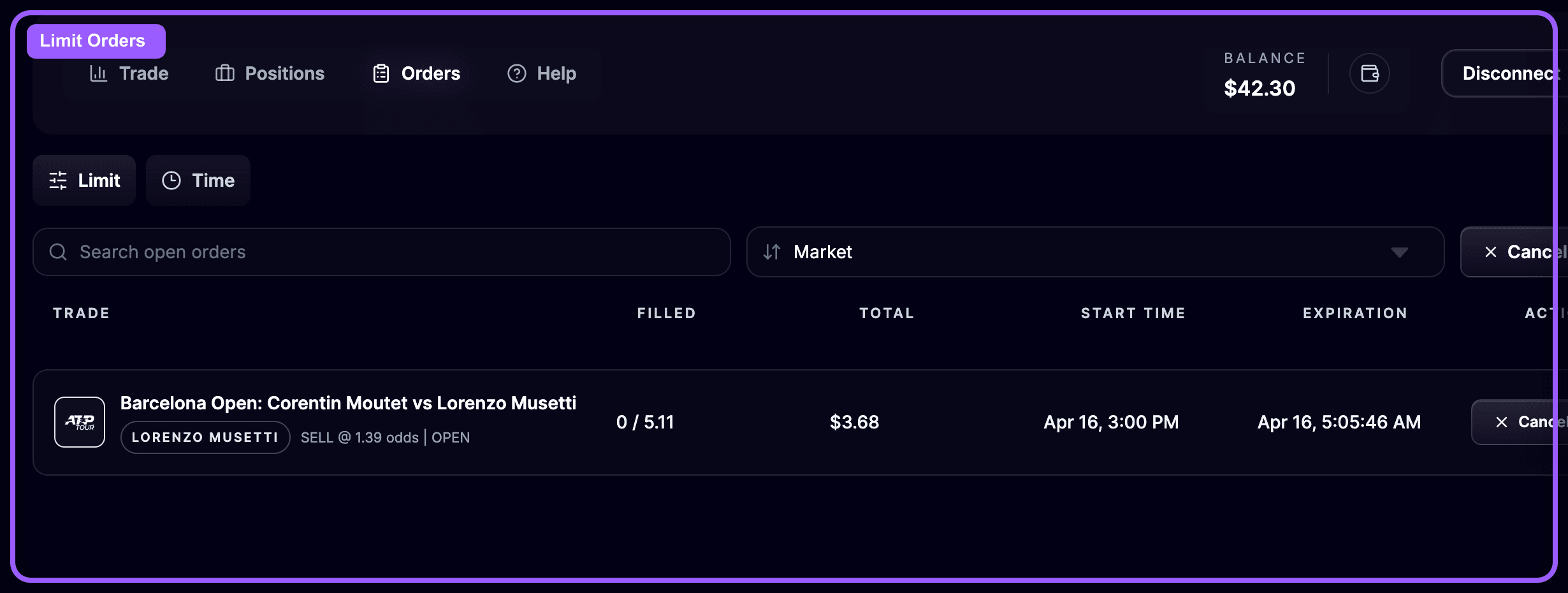
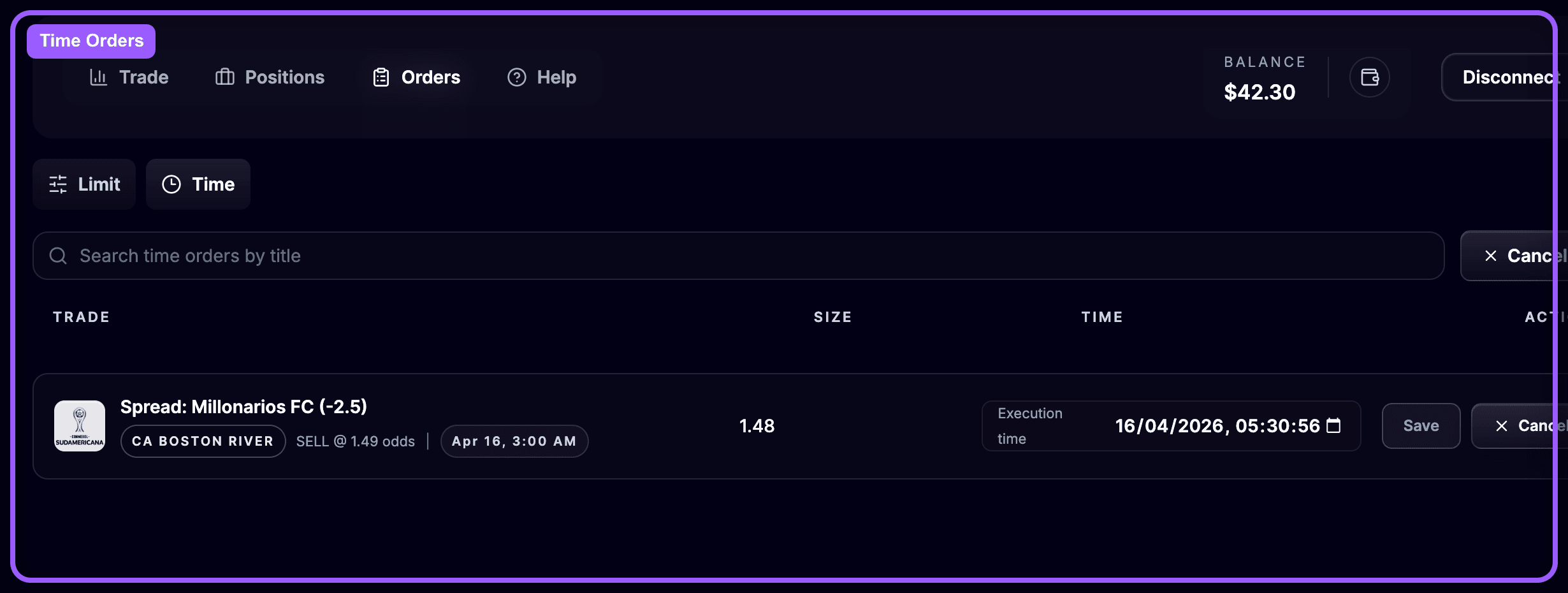
The Time Orders tab lists orders scheduled to execute at a chosen time.
Each row includes:
Use this tab when you want to:
OddsFantasy lets you search for a time order, edit its execution time, or cancel it entirely.
The Orders and Positions pages are closely connected.
This means your workflow usually looks like this:
Before a market goes in play, quickly review your Orders page and ask:
This quick check helps you avoid unwanted exposure.
Use the Orders page to manage instructions that are still pending:
Once you start placing trades consistently, you need to review your results in a structured way. In the next lesson, you'll learn how to use the OddsFantasy Bet Tracker dashboard.